Everything your photos need
Drag the slider on each example to see the transformation. Then try it on your own photo.
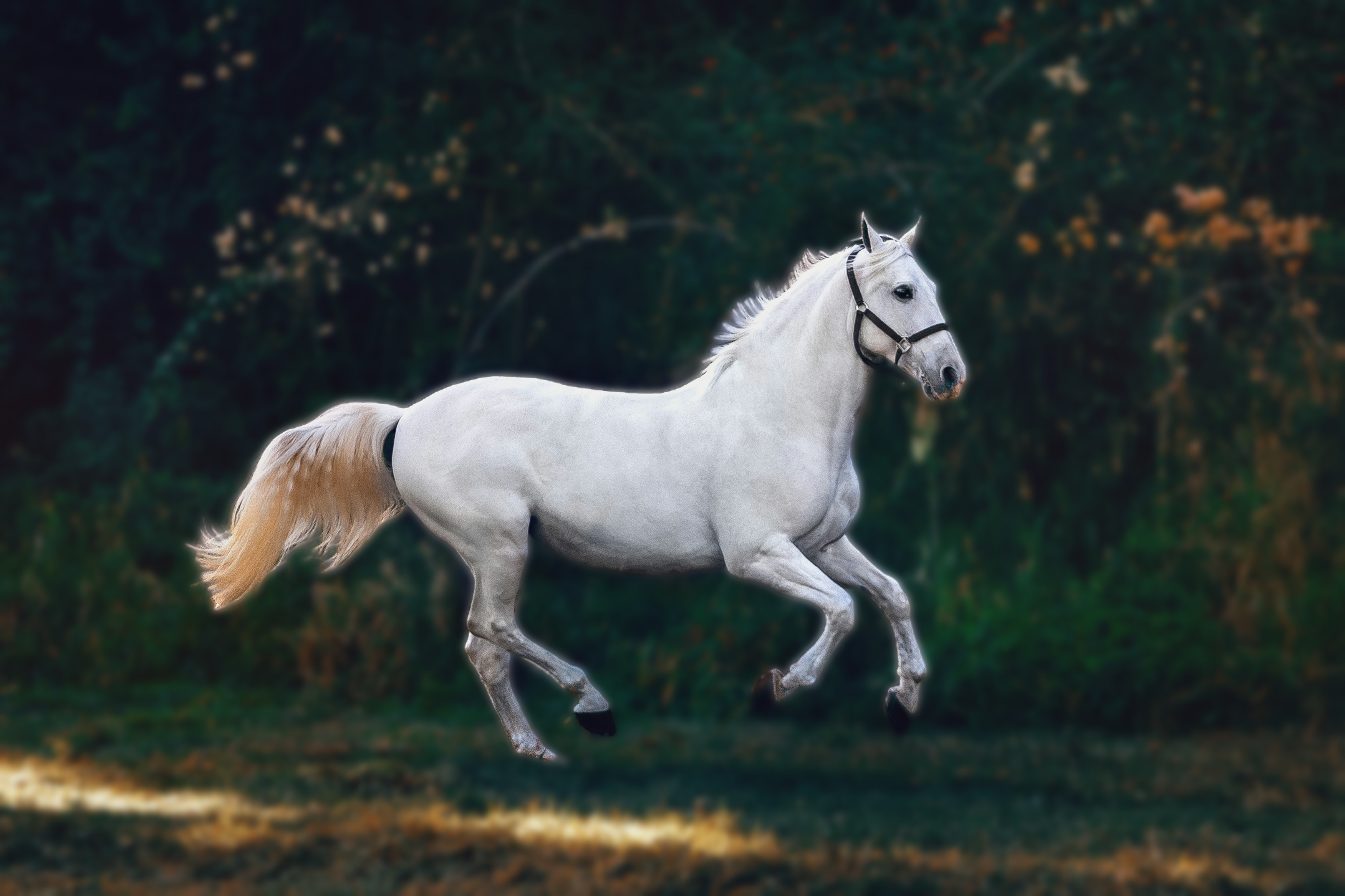
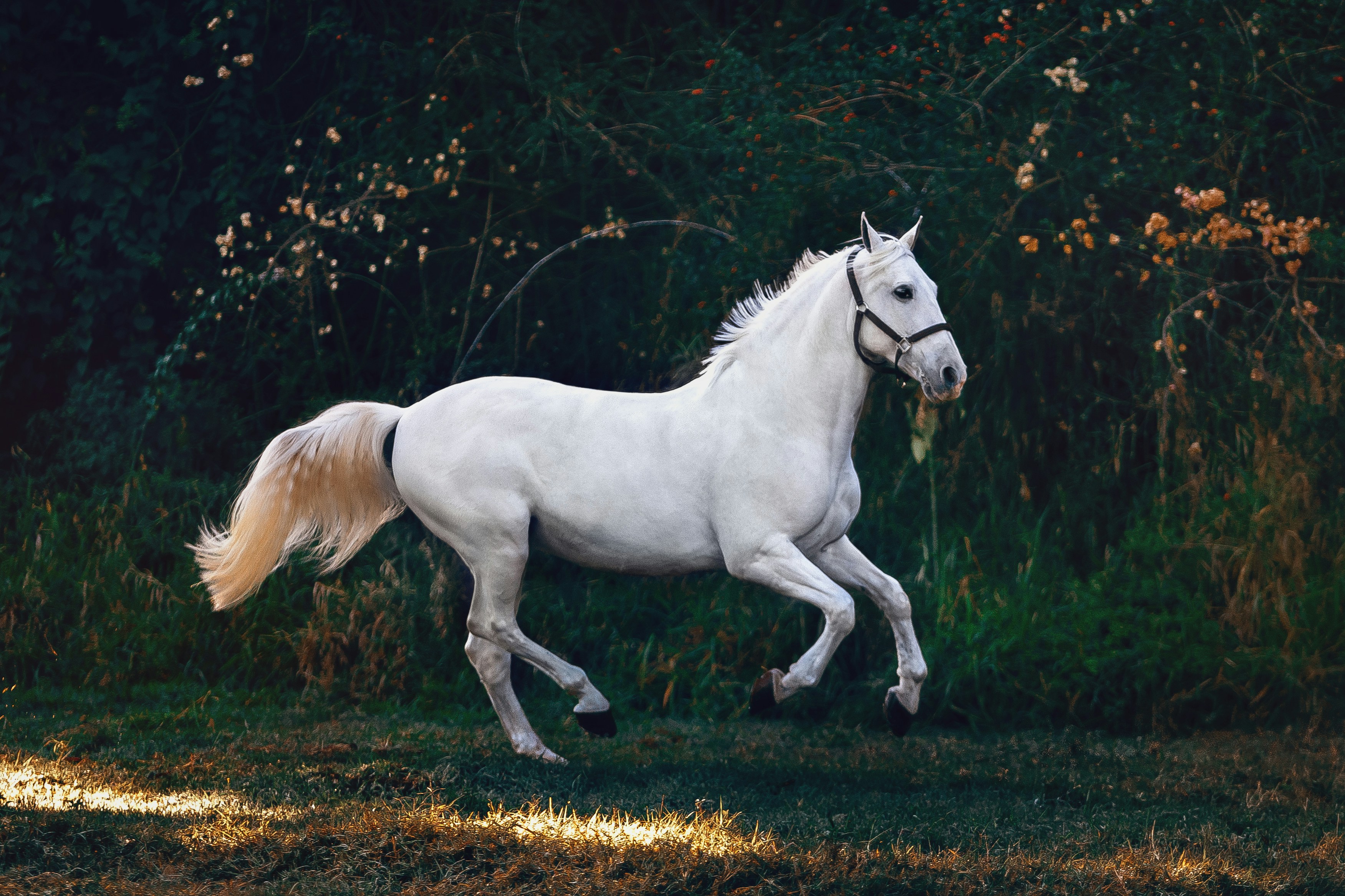
Blur background
Portrait-mode depth of field on any photo. The AI separates your subject from the background and applies a gradient blur — strongest at the edges, natural near the subject. Just like a professional camera lens.
Try blur →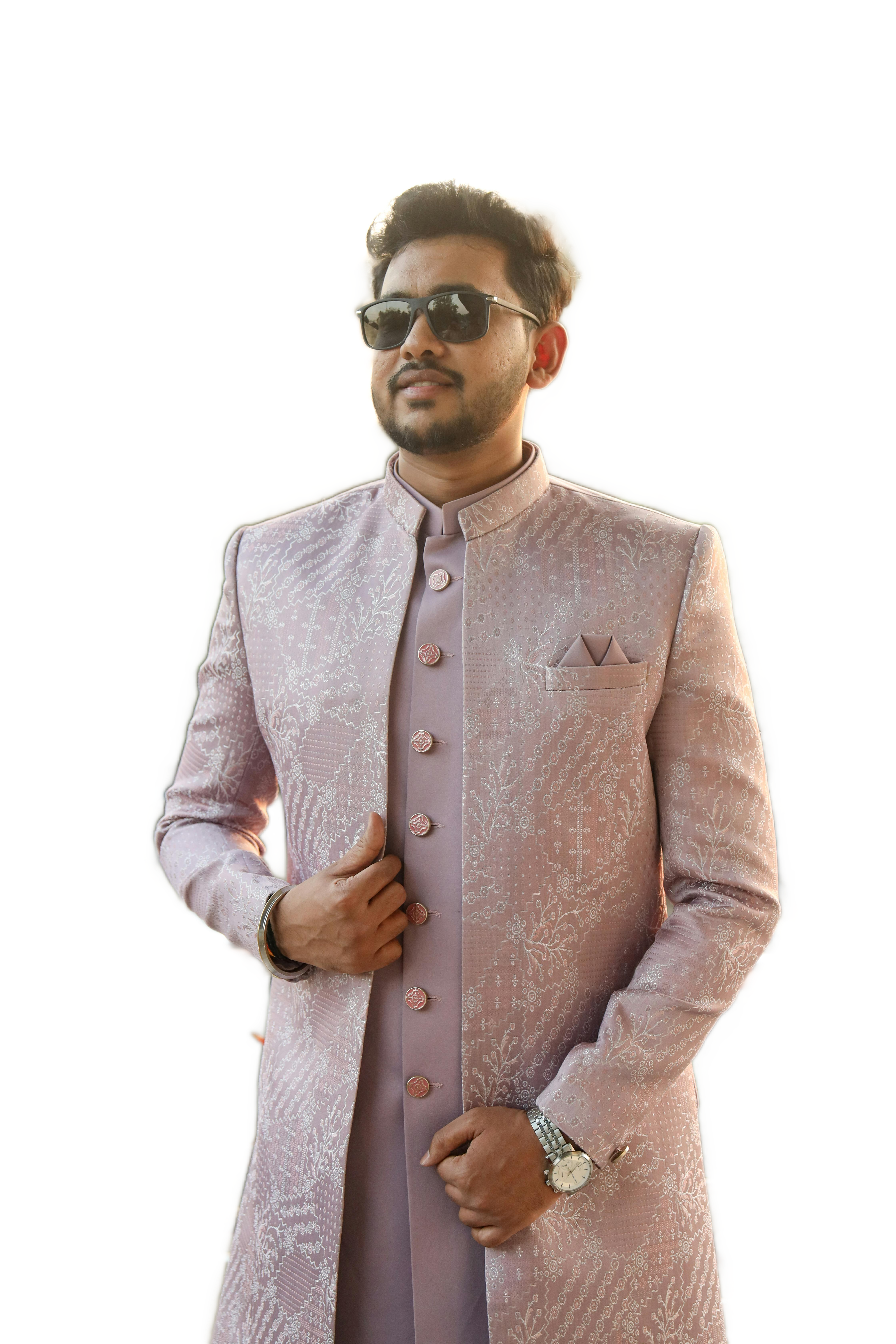
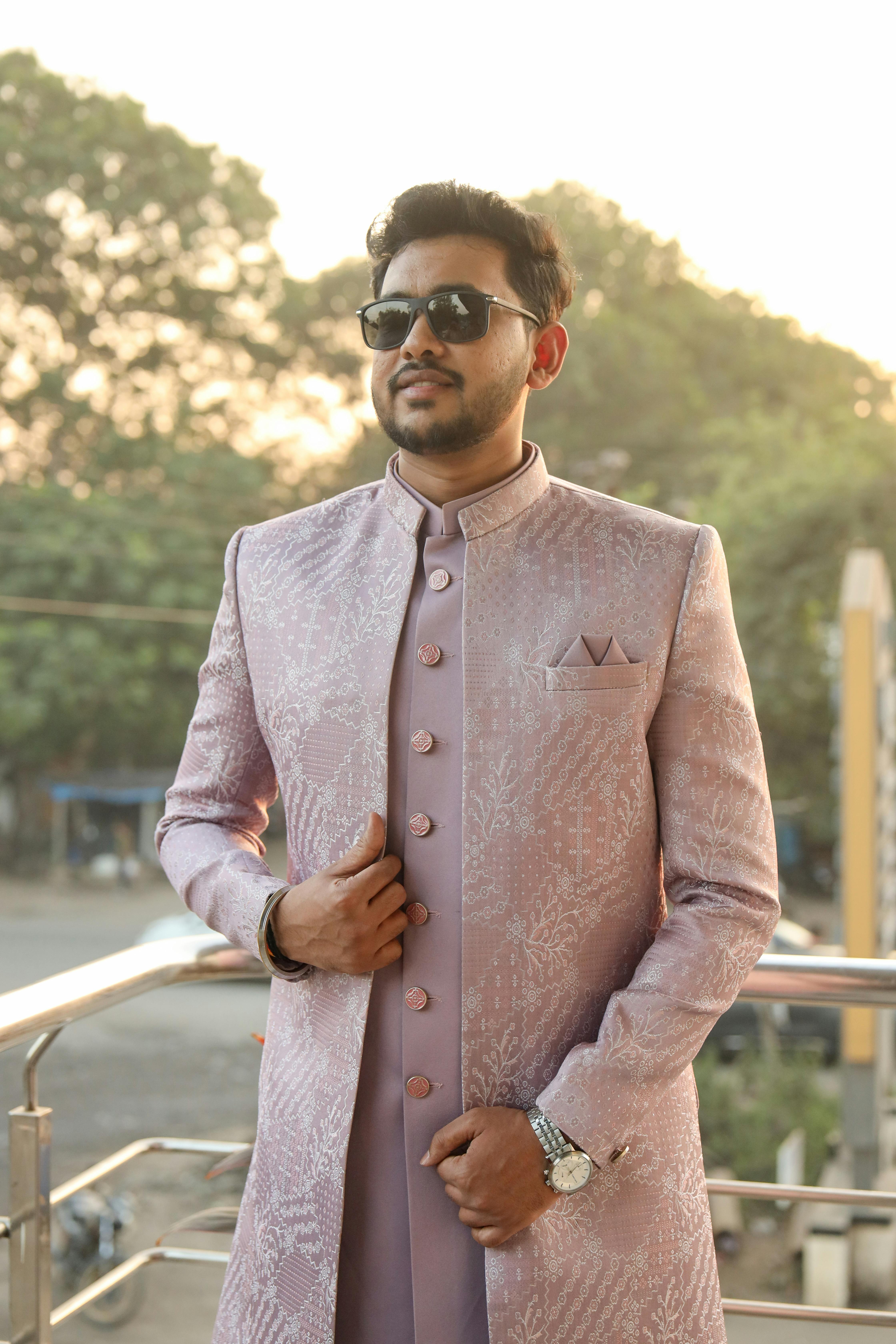
Remove background
Clean transparent PNG cutout in seconds. MODNet AI segments your subject with hair-level precision. Download and drop straight into Canva, Figma, or any design tool — no further editing needed.
Try removal →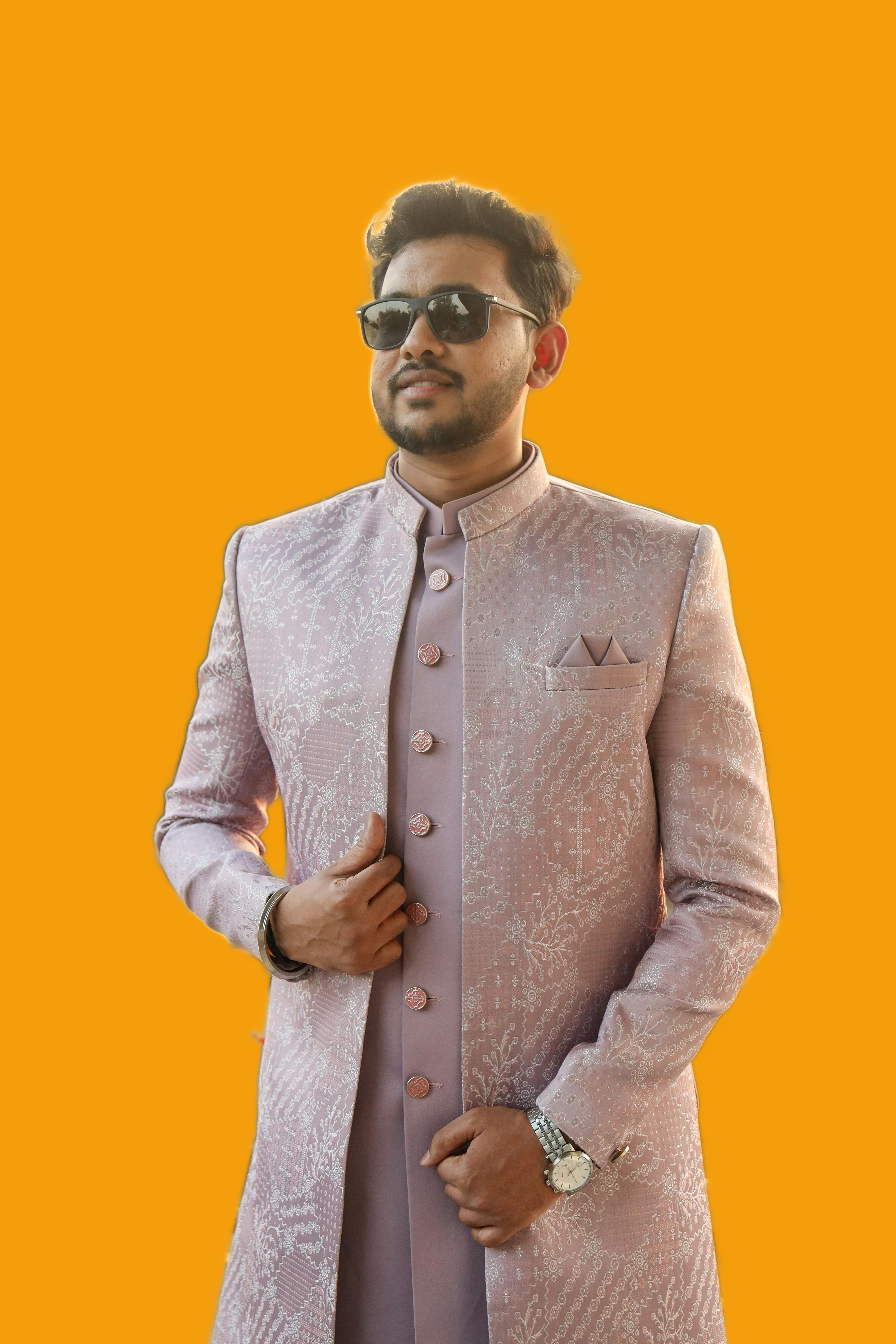
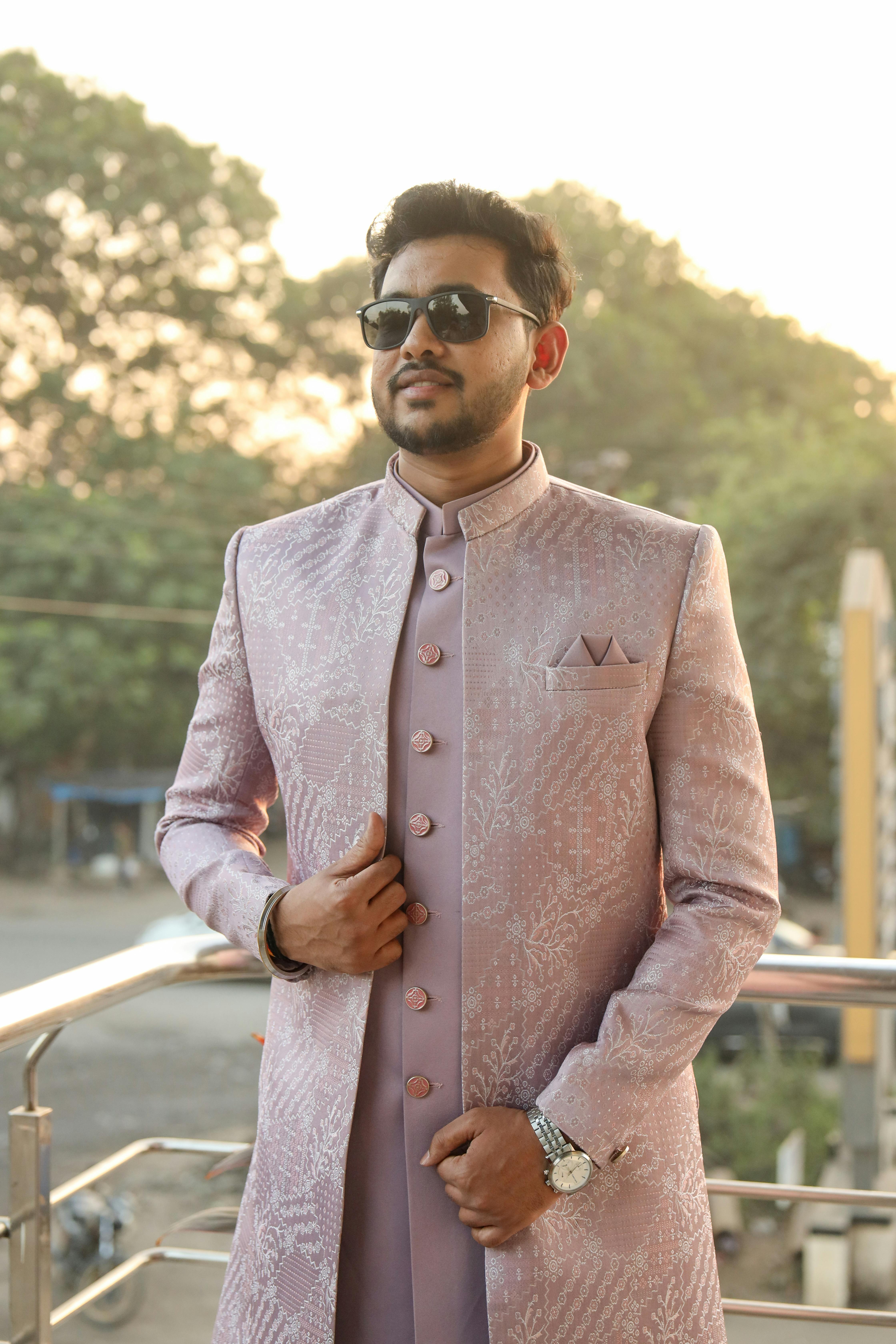
Replace background
Swap your background with any color, gradient, or custom image. Perfect for LinkedIn headshots, passport photos, product shots, and social media. Pick from presets or upload your own background.
Try replace →No signup · No upload · Works in your browser
Three steps. Zero uploads.
Unlike every other tool — your photo never touches a server. Ever.
Upload your photo
Drag & drop or click to select. JPG, PNG, WEBP — any resolution. The file stays on your device.
AI processes locally
MODNet runs in your browser using WebAssembly or WebGPU. No data leaves your device. Zero network requests for your image.
Download your result
Full resolution, lossless quality. Blur, remove, or replace — your choice. Ready in seconds.
Unlike other tools — we never see your photos.
Every other background editor uploads your photo to their server. Photoroom does it. Remove.bg does it. Canva does it. Unveil doesn't. Our AI runs as WebAssembly directly in your browser — your images never leave your device.
Simple, honest pricing.
No hidden limits. No surprise feature cuts. No subscription traps.
Be first to unveil.
Join the waitlist — get free Pro access for 3 months when we launch. No credit card. No spam.
Already 200+ people waiting. No spam, unsubscribe anytime.