Everything your photos need
Drag the slider on each example to see the transformation. Then try it on your own photo.
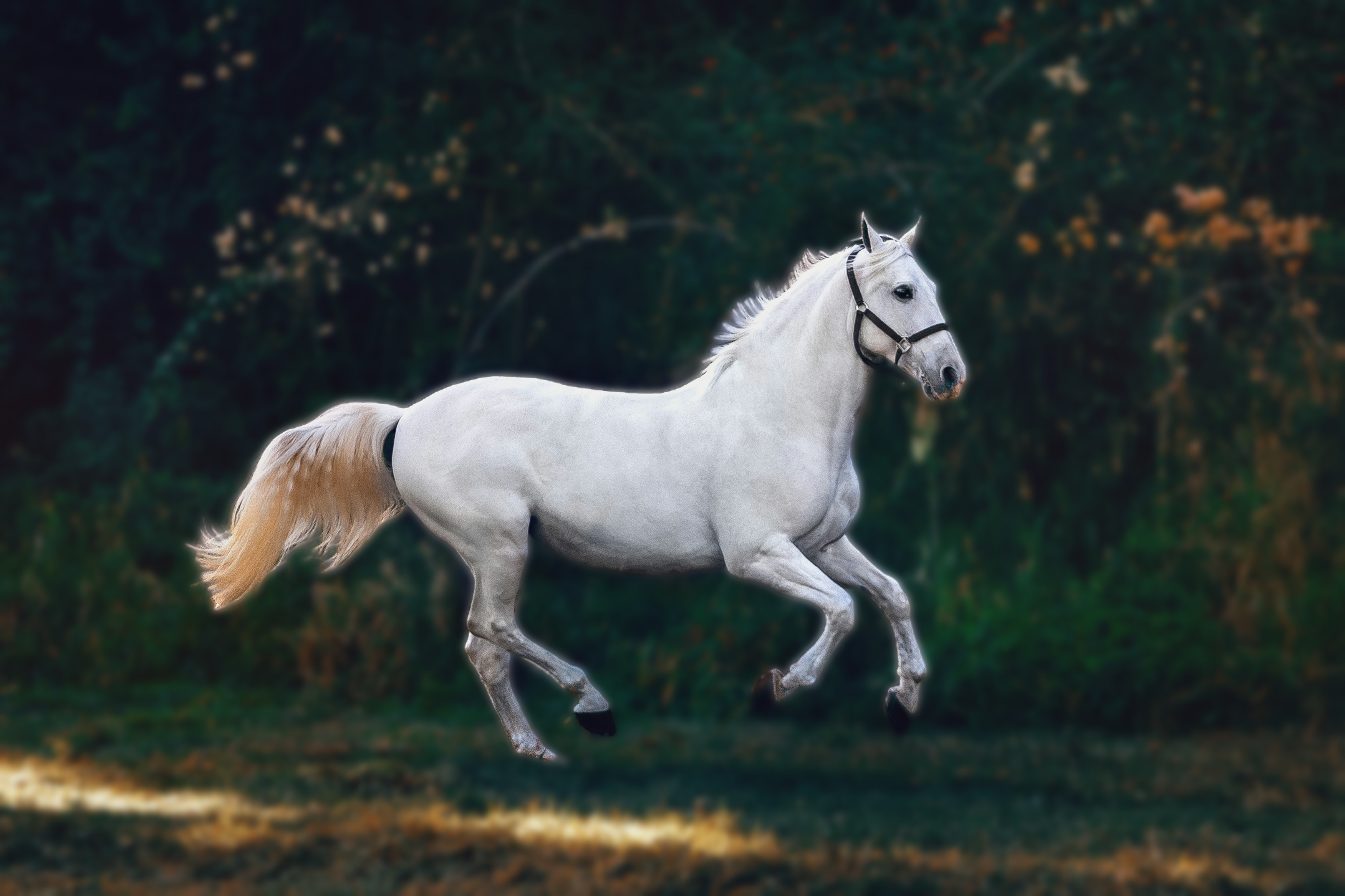
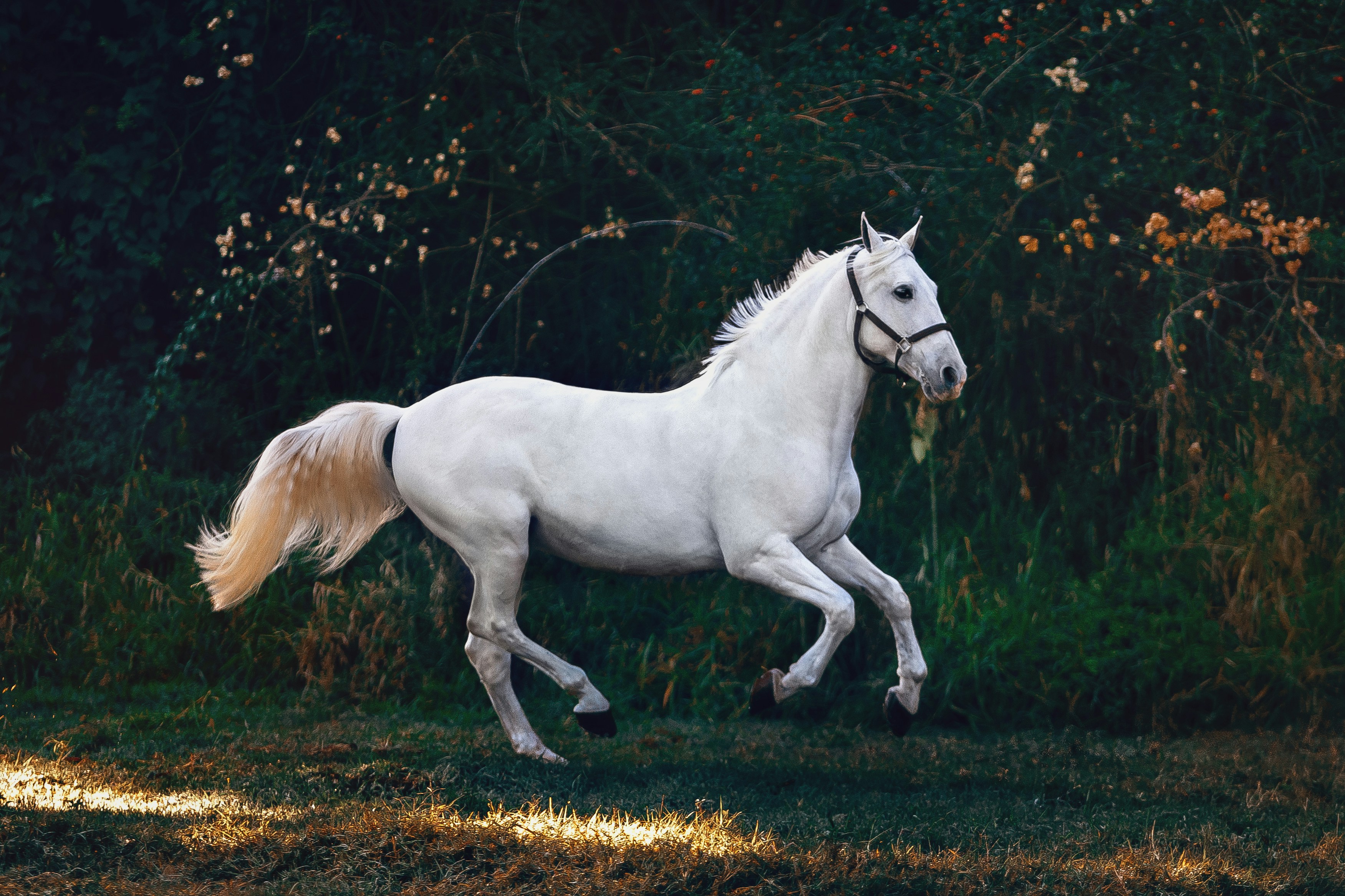
Blur background
Portrait-mode depth of field on any photo. The AI separates your subject from the background and applies a gradient blur strongest at the edges, natural near the subject. Just like a professional camera lens.
Try blur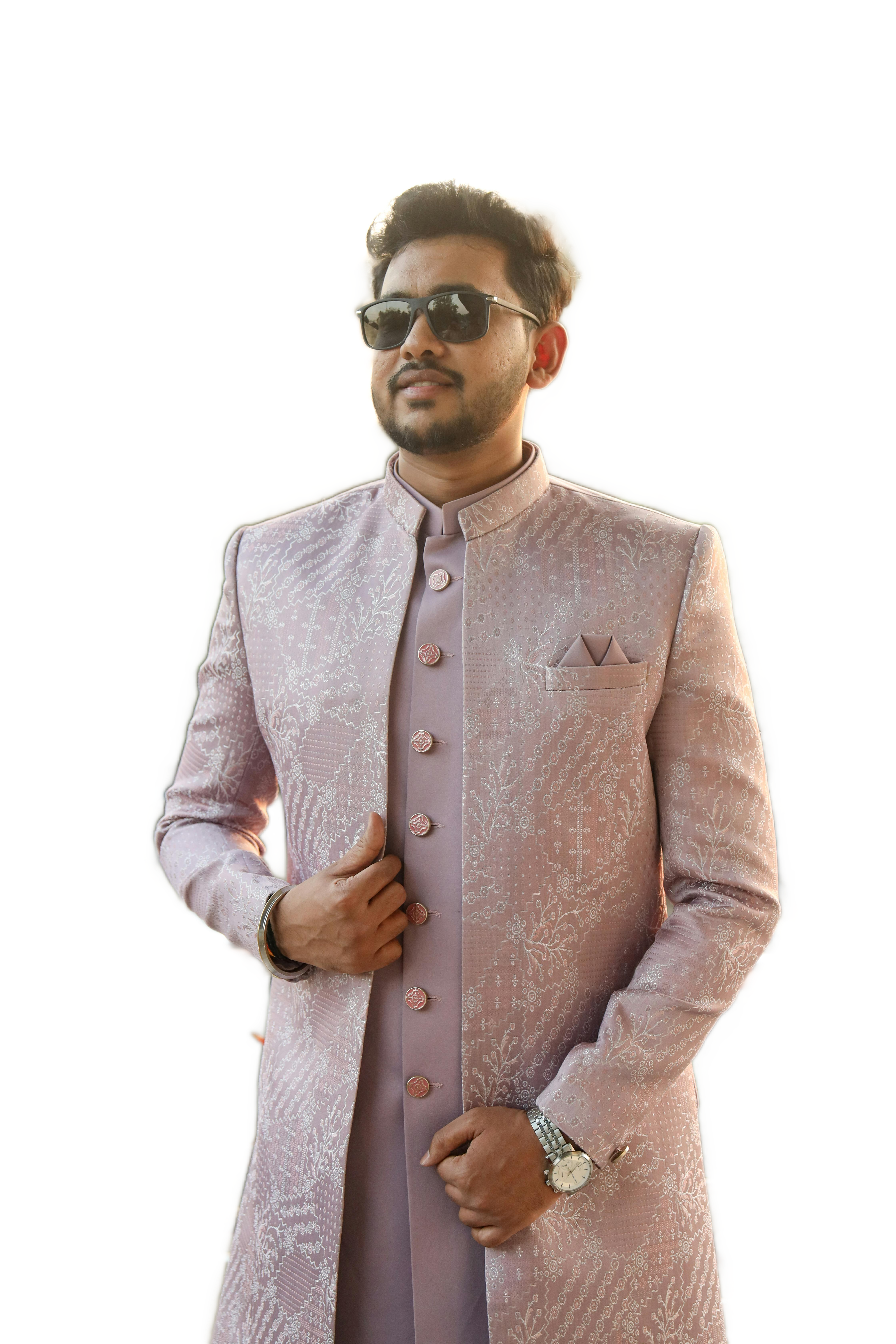
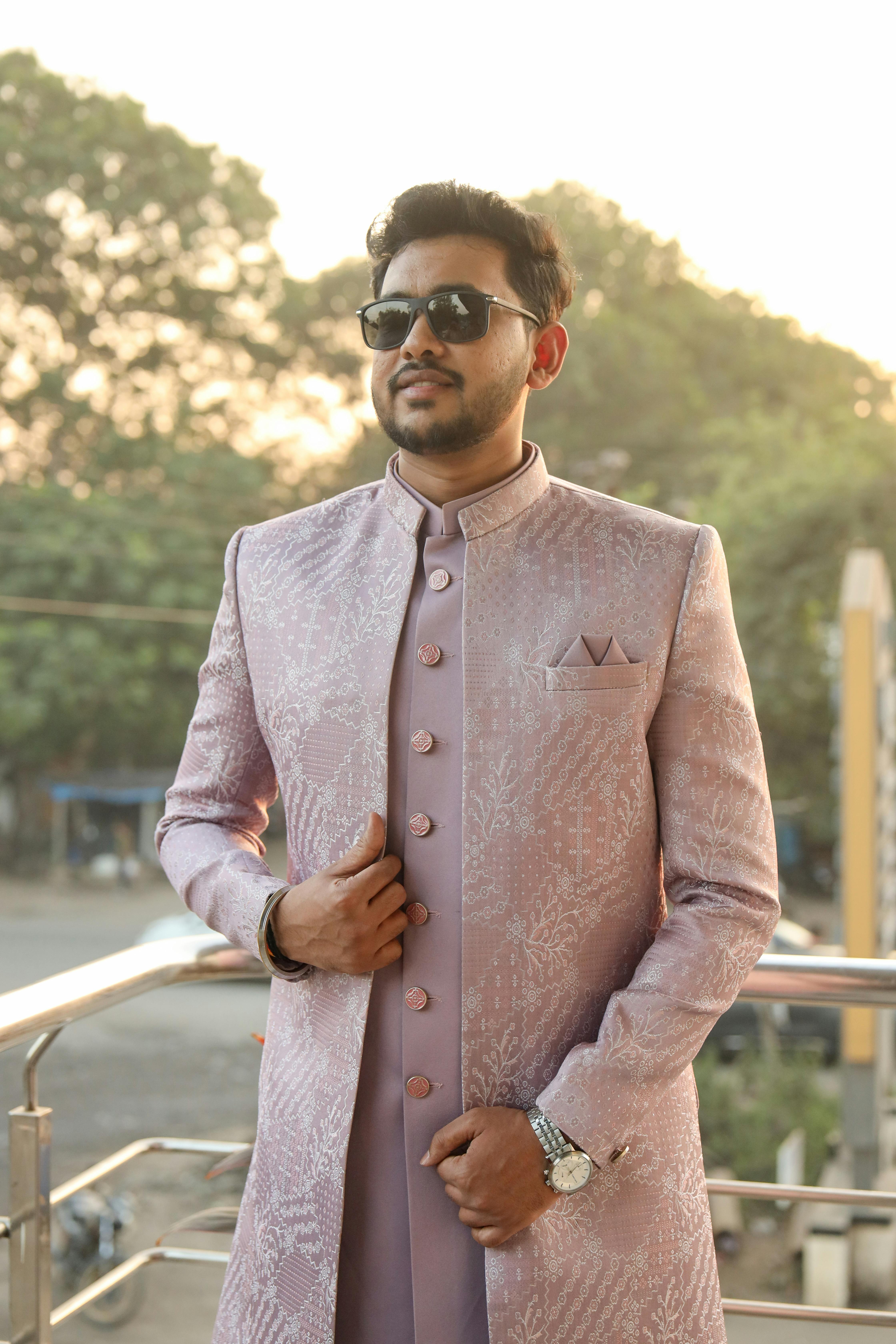
Remove background
Clean transparent PNG cutout in seconds. MODNet AI segments your subject with hair-level precision. Download and drop straight into Canva, Figma, or any design tool no further editing needed.
Try removal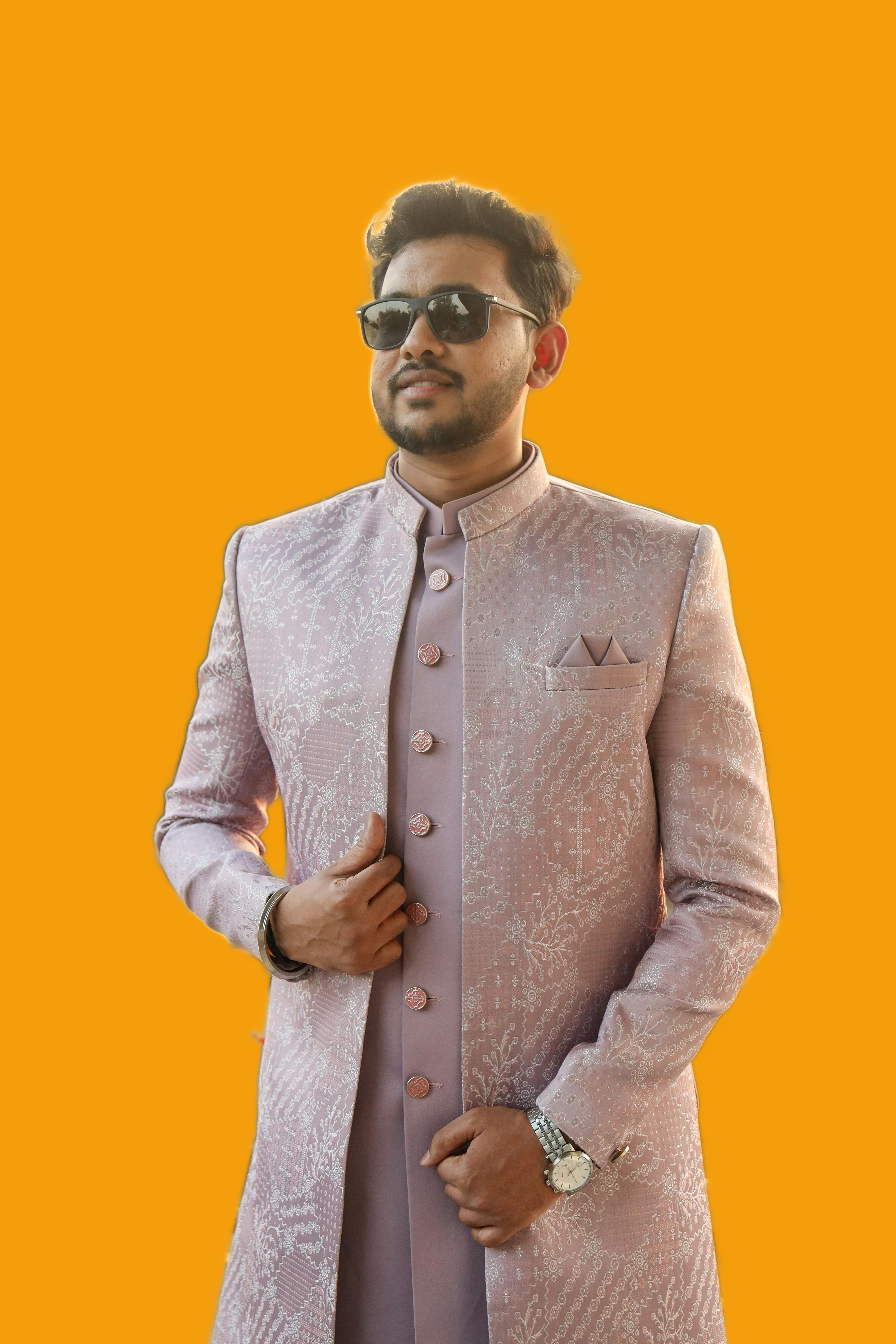
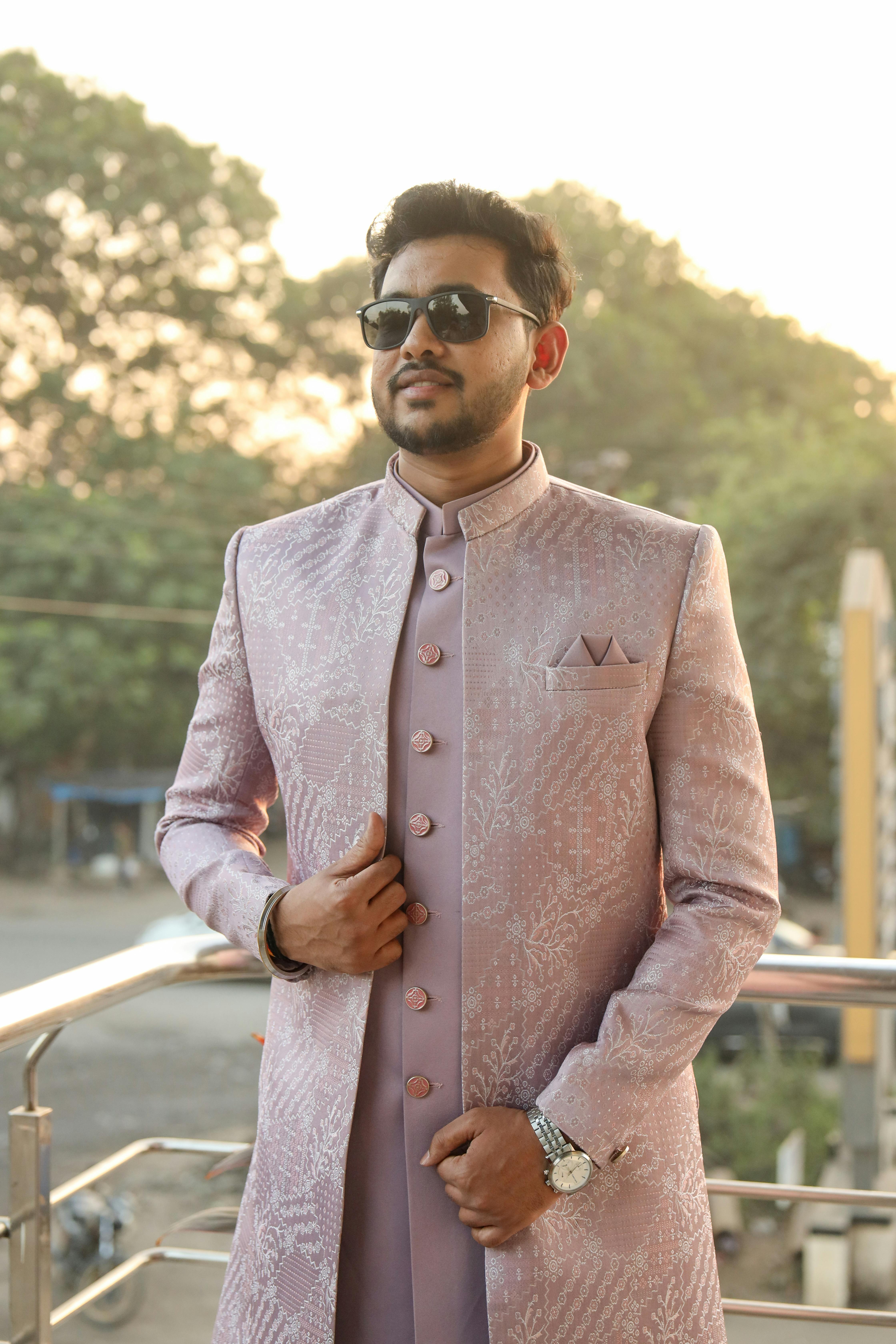
Replace background
Swap your background with any color, gradient, or custom image. Perfect for LinkedIn headshots, passport photos, product shots, and social media. Pick from presets or upload your own background.
Try replaceNo signup · No upload · Works in your browser
Unlock with Pro
Batch processing
Edit multiple photos at once. Upload up to 50 images, apply the same settings to all, and download as ZIP.
Try batch →Drop shadow
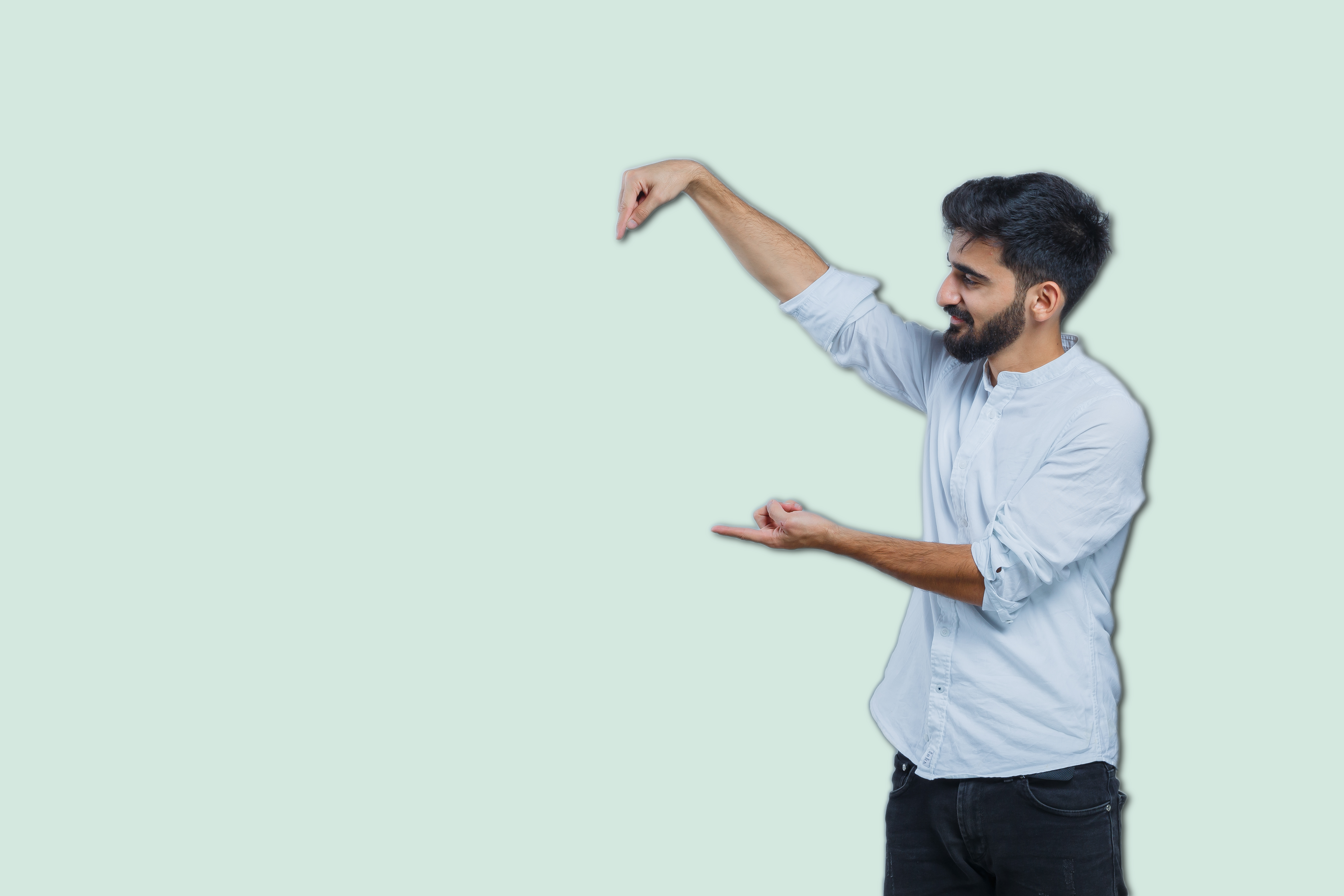
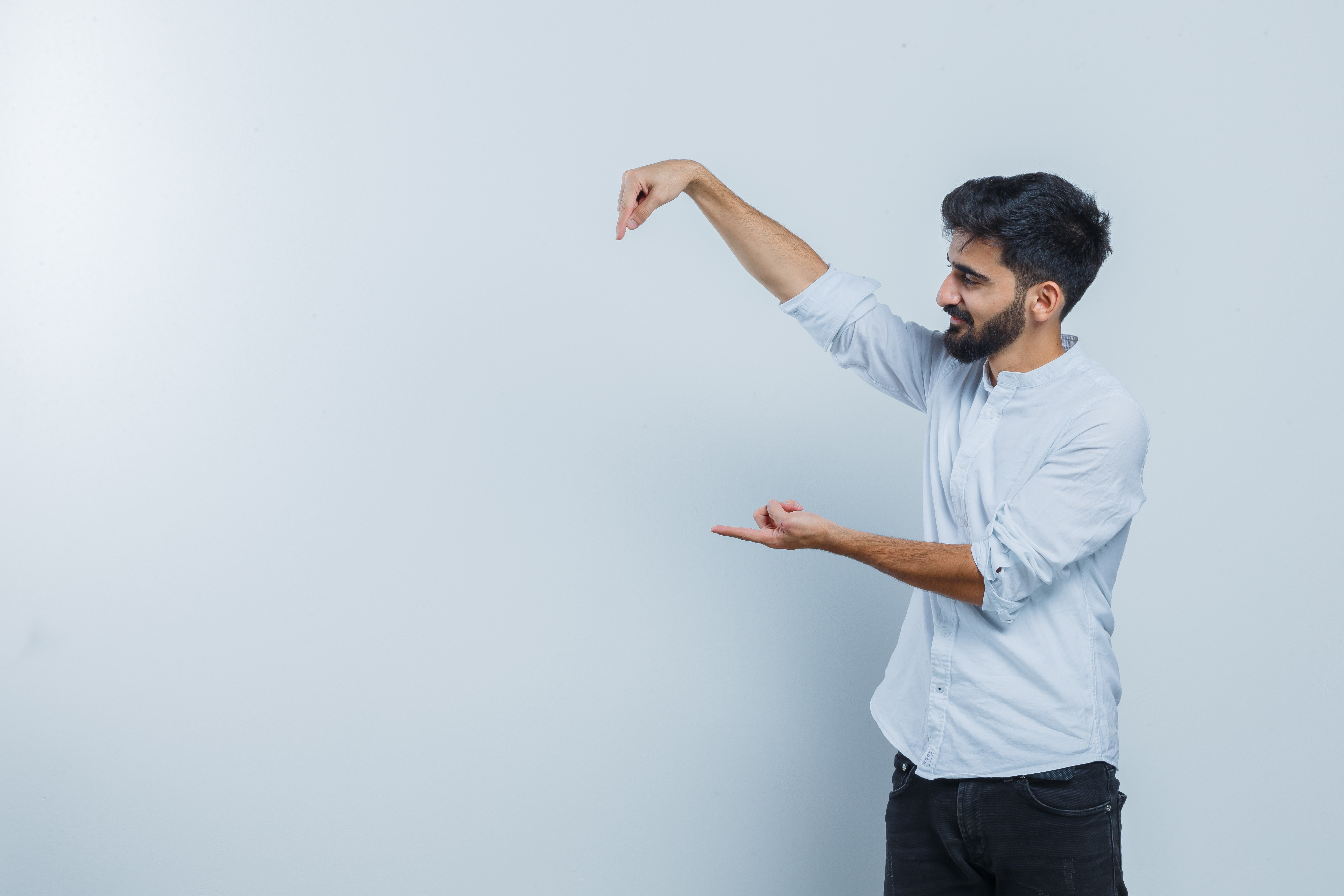
Add realistic shadows beneath your subject. Adjust depth, blur, and opacity to match any background.
Try shadow →Three steps. Zero uploads.
Unlike every other tool your photo never touches a server. Ever.
Upload your photo
Drag & drop or click to select. JPG, PNG, WEBP any resolution. The file stays on your device.
AI processes locally
Instant processing in your browser. Your photo never touches our servers or the internet.
Download your result
Full resolution, lossless quality. Blur, remove, or replace your choice. Ready in seconds.
Unlike other tools we never see your photos.
Unlike most background editors, Unveil processes your photos entirely on your device. No uploads. No servers. No data collection.
Share your feedback.
What can we do better? Your thoughts help us build a better Unveil.